
Your extension in your pocket: call with the office number, and it rings even when the screen is off.
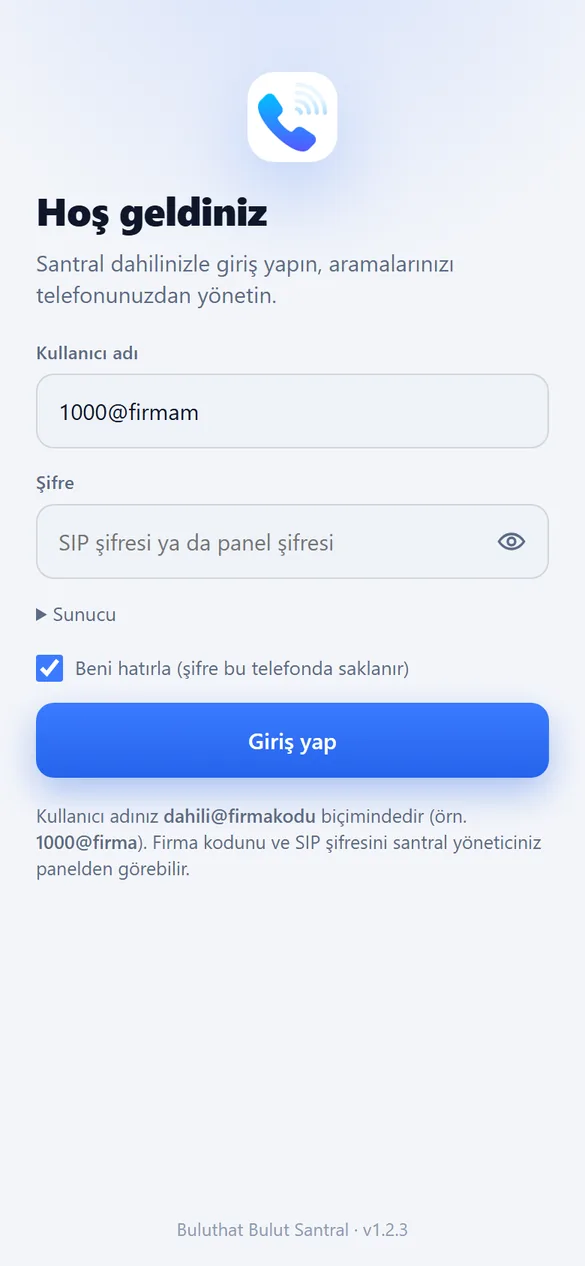
The Buluthat Android app puts your extension on your phone. An incoming call wakes it with a push notification, your office number shows on outgoing calls, and it stays registered at the same time as the desktop web phone. To register, just sign in with 1000@firmakodu and your SIP password.
Features
Wake via push
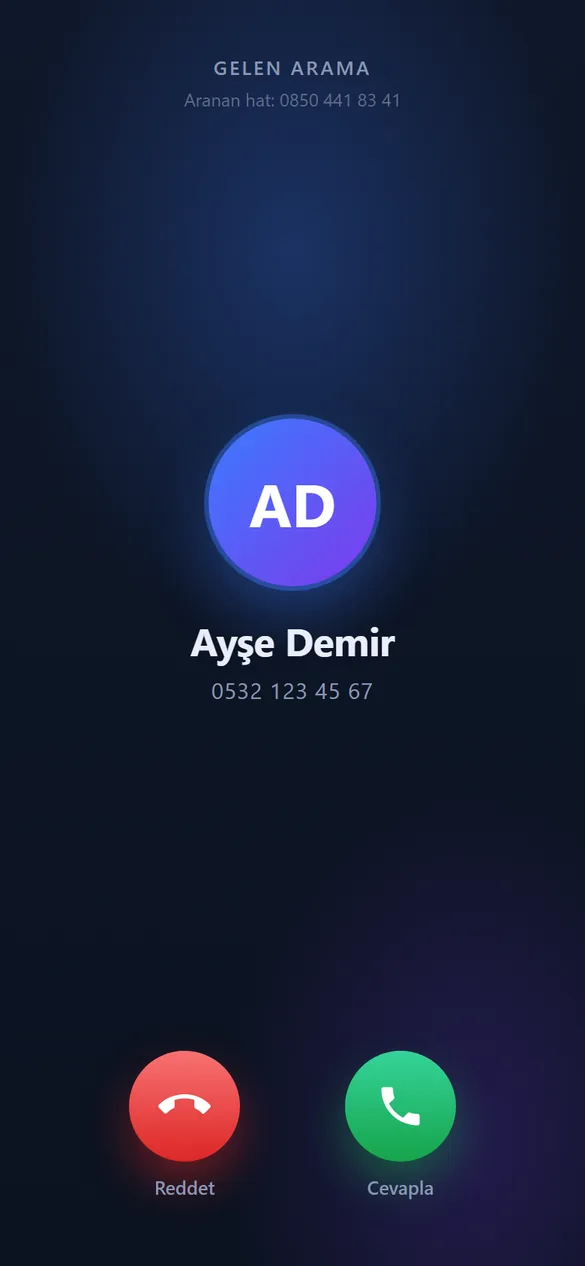
When the screen is off, FCM wakes the device, the PBX waits for re-registration and rings; full-screen call notification.
3 devices at the same time
Desktop web phone + mobile + IP phone; all ring, the first to answer takes it.
Caller number selection
If the company has more than one number, you choose which one to call with.
Calls and directory
Missed calls, recording playback, extension and queue directory, click-to-call.
Call controls
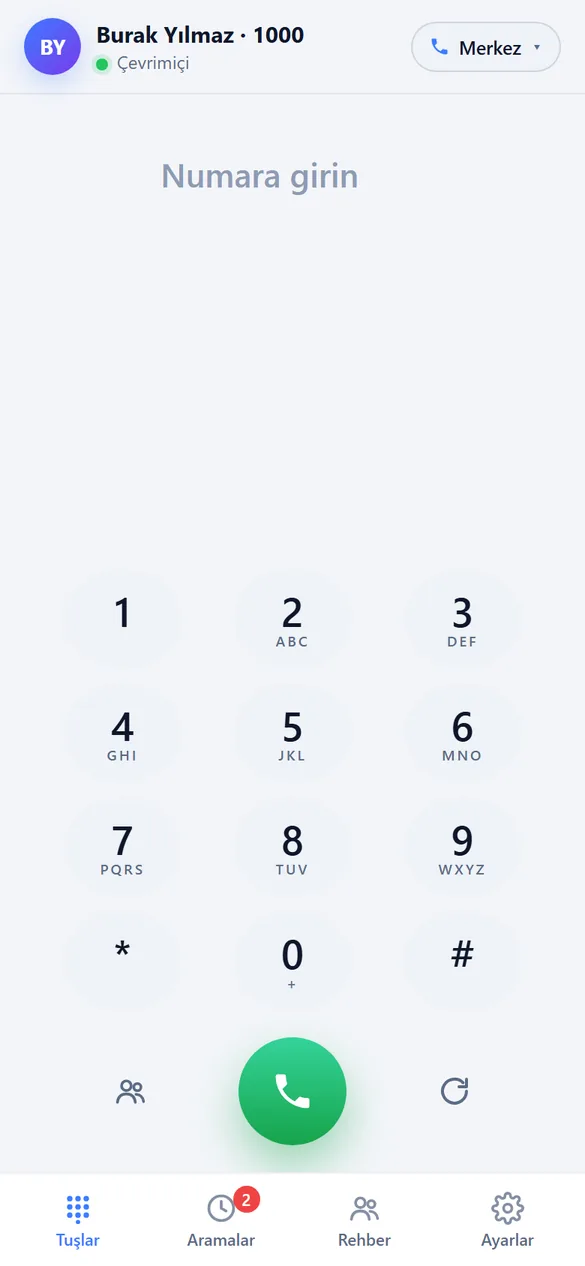
Mute, hold, speaker, keypad (DTMF), do not disturb.
In-app update
The new version is uploaded from the panel, and devices are notified.
Real screens, a real extension.
Login, keypad, calls, incoming call and conversation screen — exact interface captured with mock data.


About the Mobile App
Currently Android. A CallKit-based version for iPhone is on the roadmap; on iOS the web phone can be used.
The APK is downloaded from the link on the Panel > Mobile App page; Play Store release is in preparation.
Stronger together
Hardware-free PBX: greeting, queue, recording, reports, mobile.